
Your closet
Your closet,
digitalized.
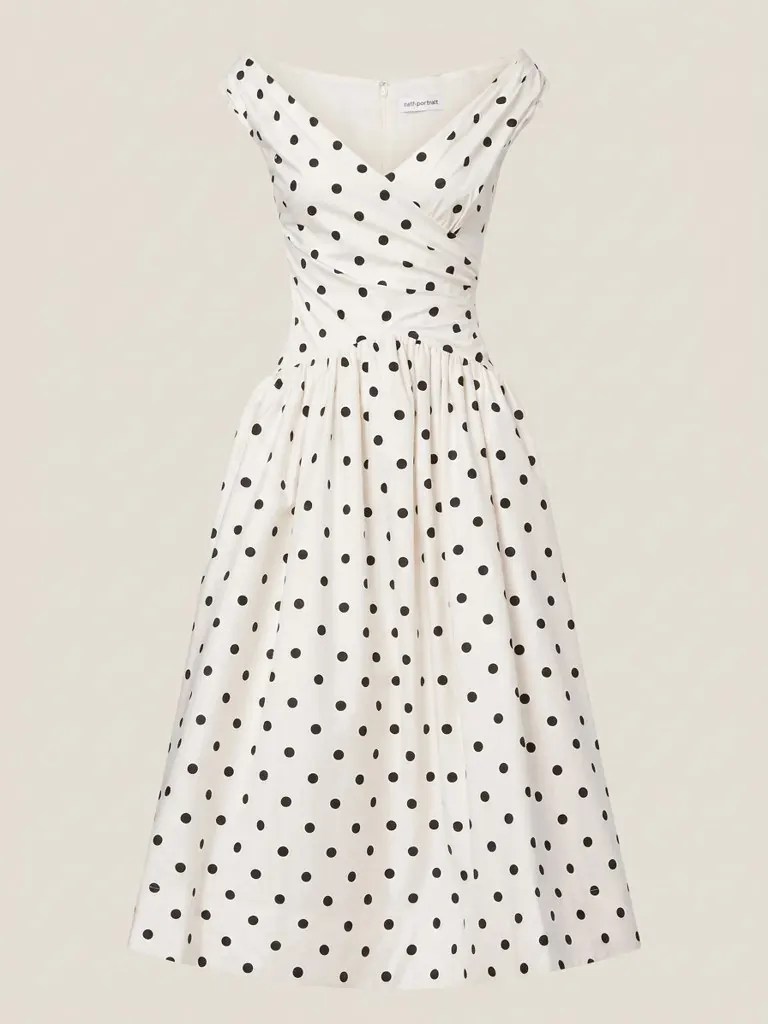
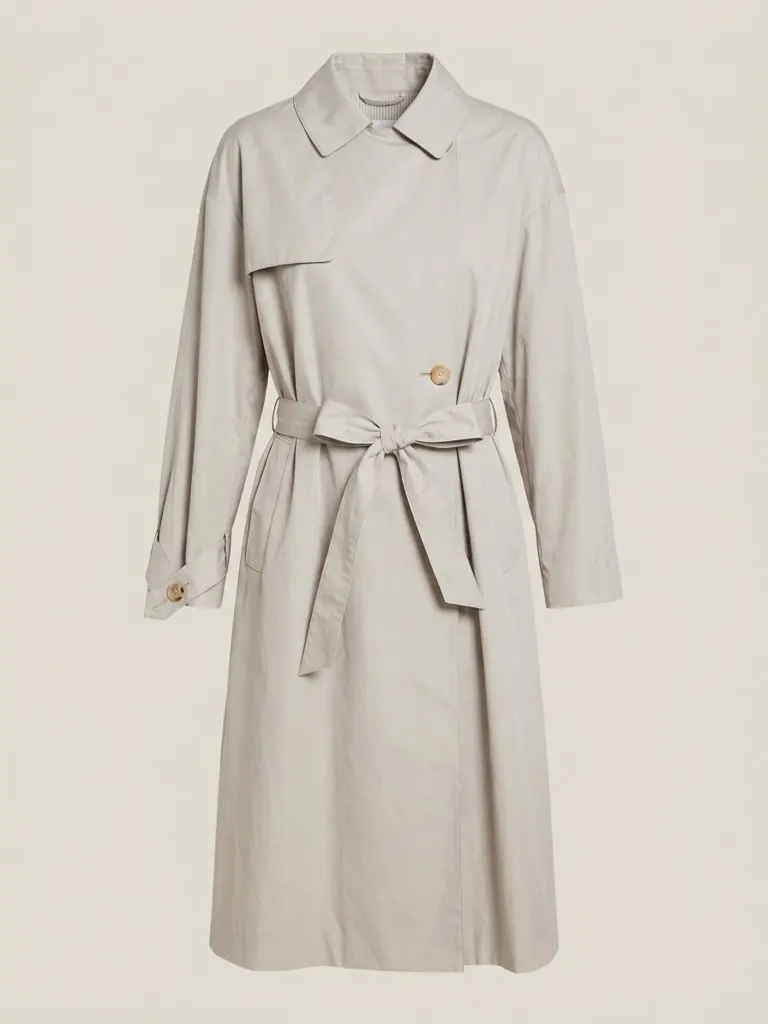
A digital closet, a virtual wardrobe, a collection: call it what you like. Photograph your clothes, jackets, bags, watches, shoes, shades and jewellery, or upload a photo of a whole outfit and let Sleqk pull each piece out of it. Either way, it cleans each item, tags the colour and fabric, and turns your closet into a collection you can search, style, group into sets and try on.
 AI-cleaned · tagged
How digitalizing works
From a quick photo to a tagged piece.
Photograph in batches
Lay a piece down, snap it, next. No studio, no ironing board required.
Sleqk cleans the shot
Background removed, colours corrected, the piece presented like a product photo.
Tags write themselves
Category, colour, fabric, formality: read automatically from the photo, editable by you.
Browse and search
Filter by category, hunt by colour, and rediscover pieces you had honestly forgotten.
 One photo, every piece
One photo, every piece
Add a whole outfit at once.
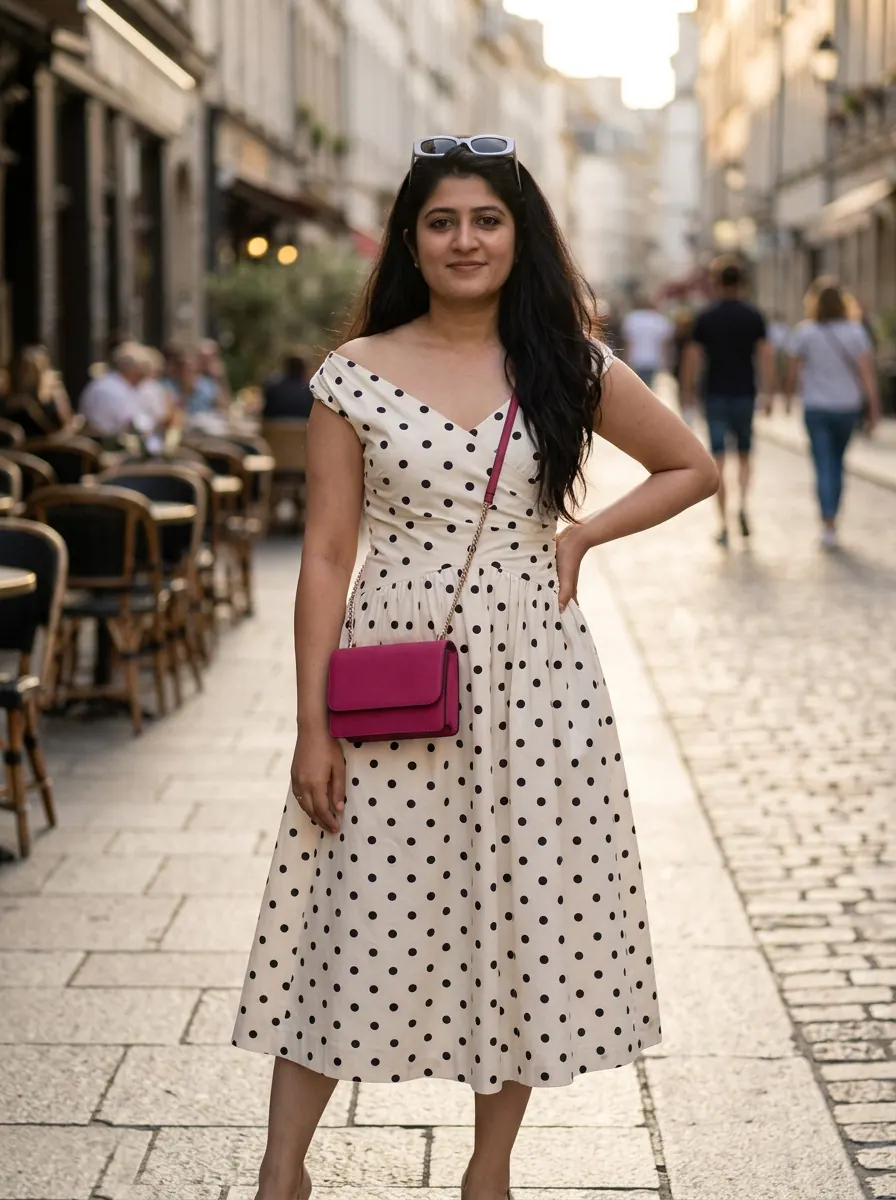
You do not have to lay every piece out flat. Upload a photo of an outfit being worn, yours or anyone's, and Sleqk finds each garment in it and lifts it out as a clean, isolated item, ready to file.
- Detects each garment in a worn-outfit photo and extracts it on its own
- Removes the person, the background and the other pieces automatically
- A fast way to capture a look you liked, in seconds
 AI-cleaned · tagged
Not just clothes
Everything you reach for when you get ready.
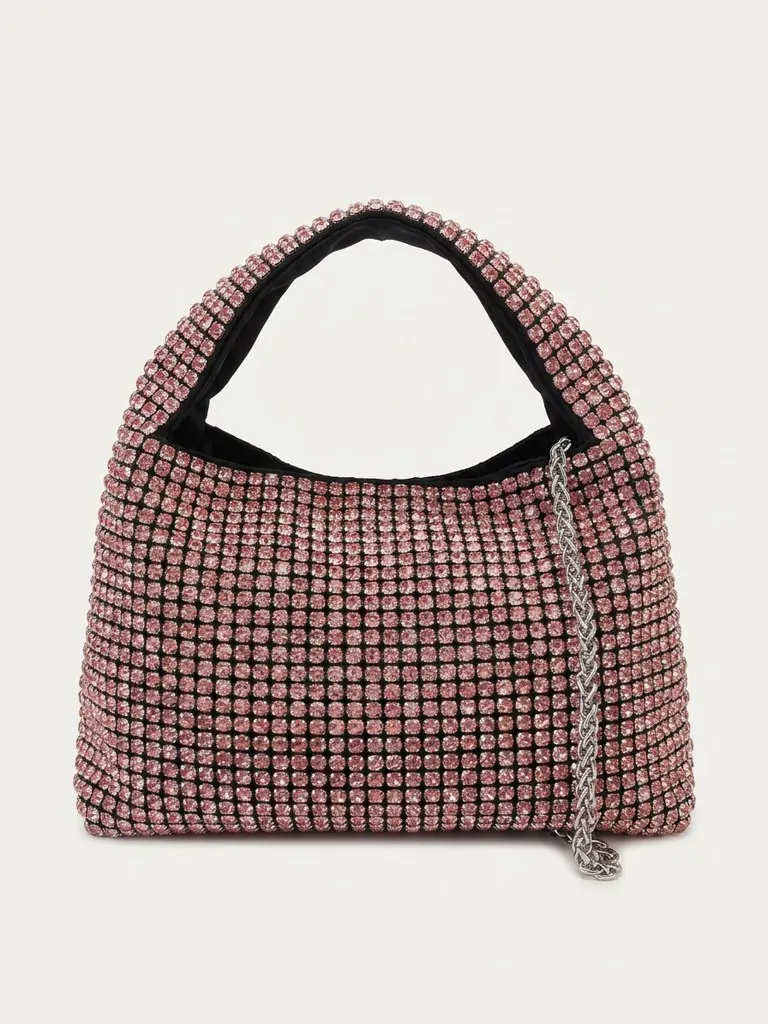
Bags, watches, shoes, sunglasses, jewellery: the pieces that finish a look deserve the same treatment as the clothes. Sleqk files them all, so a complete outfit is always in reach.
- Clothes, jackets, bags, watches, shoes, shades and jewellery in one place
- Every piece searchable by category, colour and fabric
- The stylist, planner and try-on all build on the same closet
 A saved set
Organize and share
Group pieces into sets. Share your virtual wardrobe with friends.
Build combinations that work together and save them as matching sets, so a full look is one tap away. And when you want a second opinion, send a friend a private, read-only link to any set of pieces.
- Save matching sets of pieces as ready-made outfits
- Share a read-only link to a set of pieces, no account needed for them
- Friends only view the pieces; there is nothing they can change
 AI-cleaned · tagged
Private by design
Your closet stays yours. Always.
What you own is nobody's business but yours. Photos and renders are stored encrypted in the EU, never used to train any model, and erased completely with one tap.
- GDPR-native: access, export and erase whenever you want
- Hosted in Europe, on European servers
- One-tap delete for the entire account
Questions, answered
What people ask before they start.
What is a digital closet?
A digital copy of what you physically own. You photograph your pieces, and Sleqk removes the background, reads the colour, fabric and category of each one, and files everything into a searchable digital closet.
Digital closet, virtual closet, digital wardrobe: is there a difference?
No. They are the same idea under different names: your real pieces, photographed once, kept searchable on your phone and on the web. In the app it is your collection, and you can split it into as many collections as you like. Whichever word you searched for, this is it.
Is Sleqk a wardrobe app?
Yes, and then some. A typical wardrobe app stores photos and lets you build outfit boards. Sleqk does that, then styles you for the event and the city, and renders the look on your own photo so you see it on yourself before you get dressed. The name is spelled Sleqk and said sleek.
How long does it take to digitalize my closet?
You photograph in batches, whenever suits you, and each photo takes seconds to process. Most people start with the twenty or thirty pieces they reach for most and grow the closet from there.
Do I have to photograph each item on its own?
No. You can photograph individual pieces, or upload a photo of a full outfit being worn (yourself or anyone) and Sleqk detects each garment in it and extracts it into a clean, isolated item that gets added to your closet.
Can I save outfits I like?
Yes. You can group pieces into matching sets: build a combination of items that work together and save it as a set, so a whole look is one tap away instead of reassembled each time.
Can I share pieces from my closet with a friend?
Yes. You can send a friend a private, read-only link to a set of pieces from your closet. They just view the pieces, with no account needed and nothing they can change.
Is it only for clothes?
No, and that is deliberate. Your closet is everything you reach for when you get ready: clothes, jackets, bags, watches, shoes, sunglasses. If you wear it or carry it, it belongs in Sleqk.
What can I do with my closet once it's digital?
Everything else in Sleqk builds on it: the AI stylist assembles looks from it, the planner styles your events from it, and virtual try-on renders any combination onto your own photo.
I heard about a “sleek closet app”. Is that Sleqk?
Yes. The name is spelled Sleqk and said “sleek”, so that is the app you are looking for. It is on the App Store, on Google Play and on the web at sleqk.com, free to start.
Who can see my closet?
Only you. Your photos live encrypted in the EU, are never used to train any model, and one tap deletes your entire account, photos and renders included.
More of Sleqk
Everything you own, in your pocket.
Photograph a few pieces today and watch your closet take shape. Free to start.