
Walkthrough
From your closet to your story in a few taps.
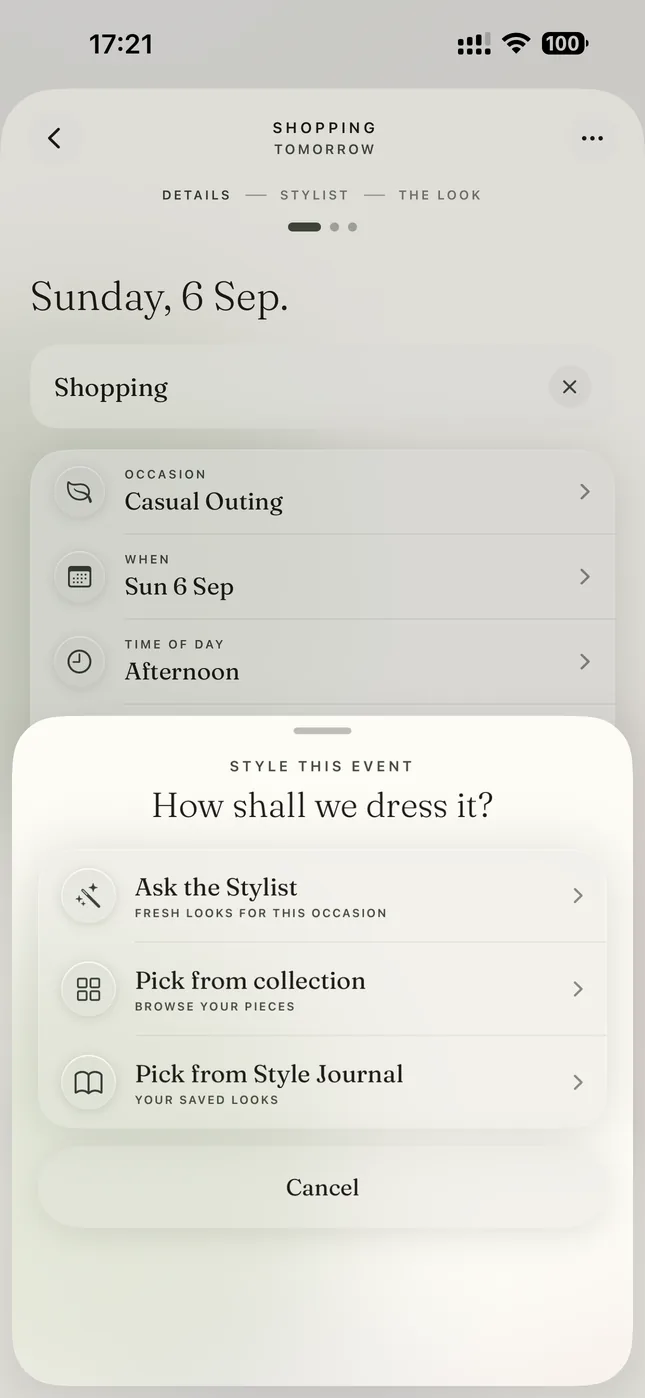
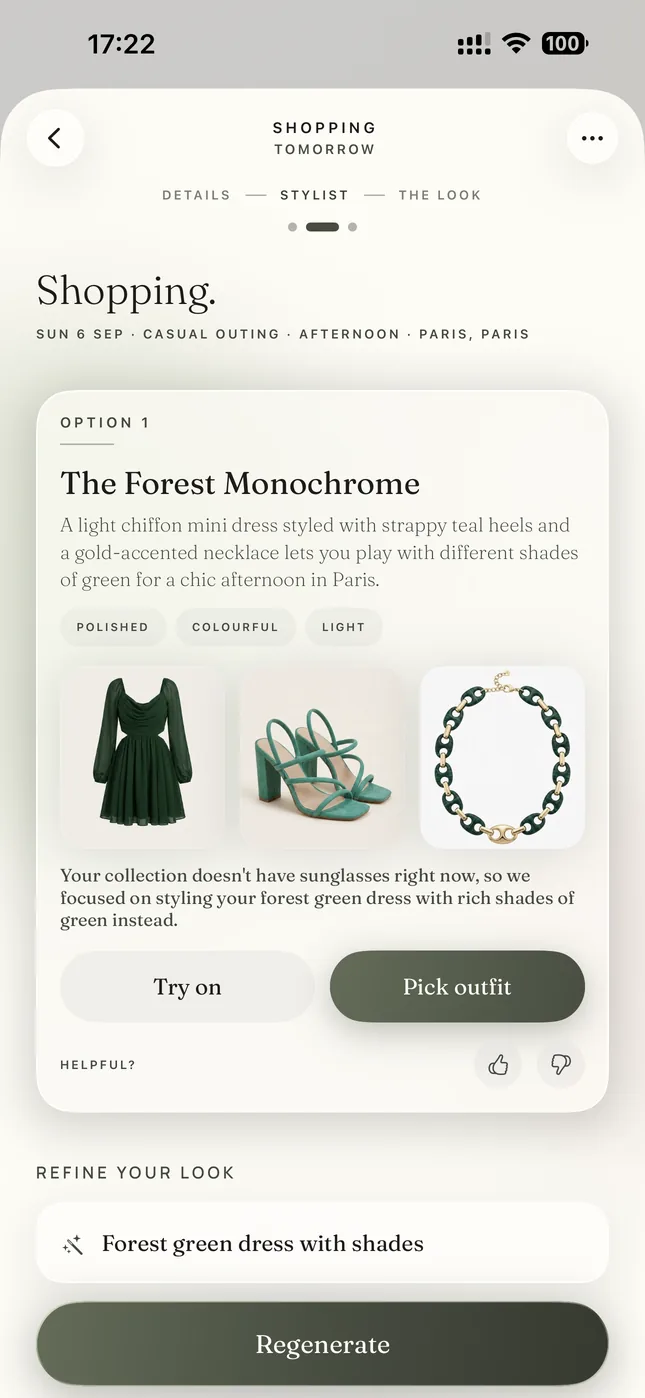
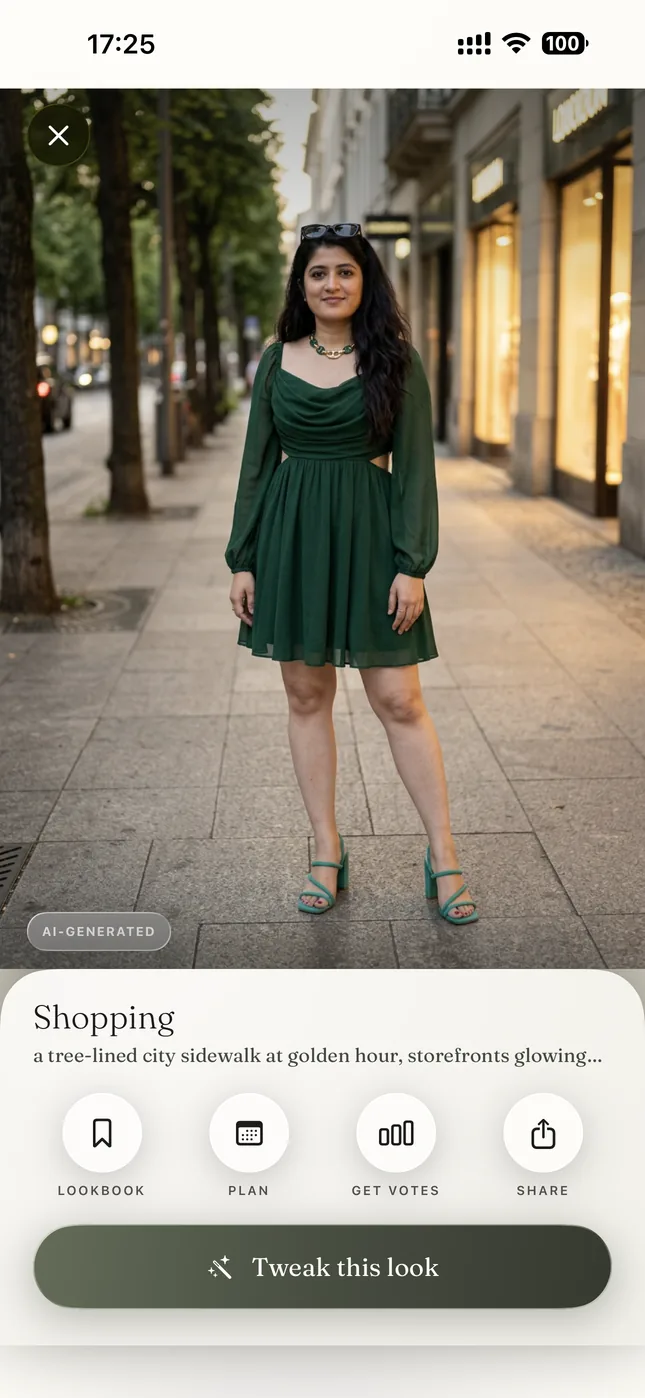
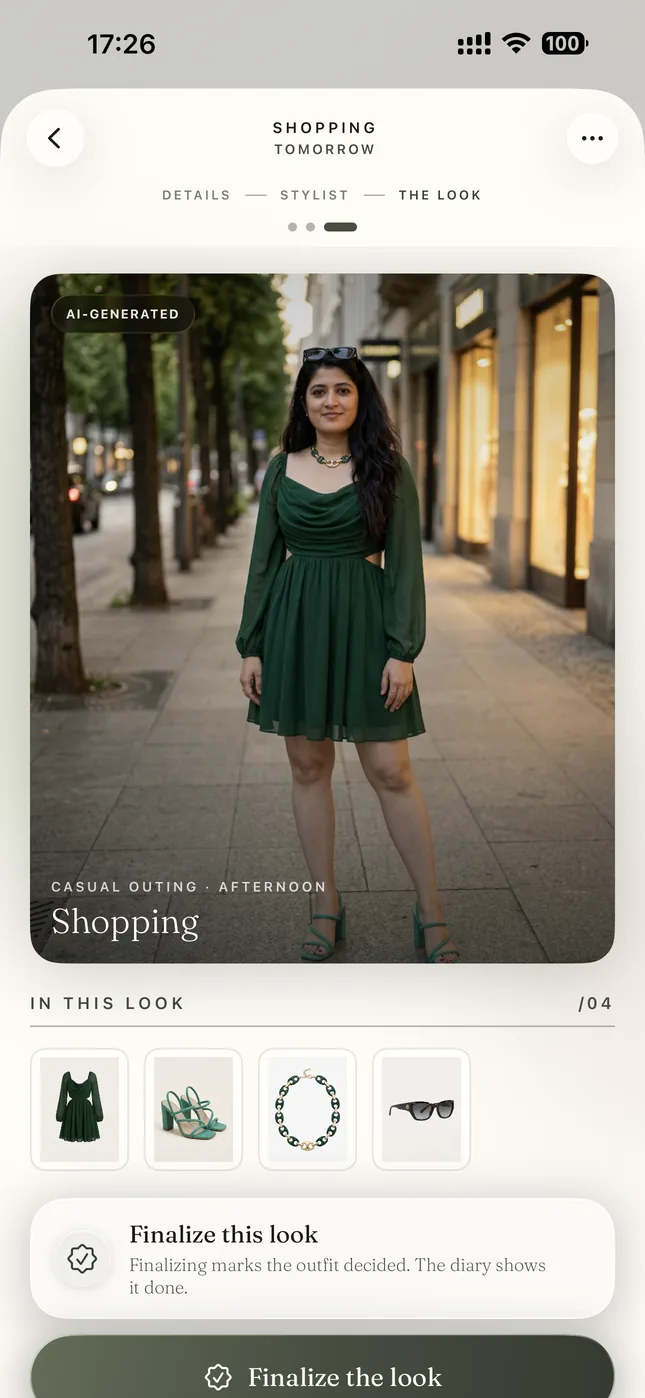
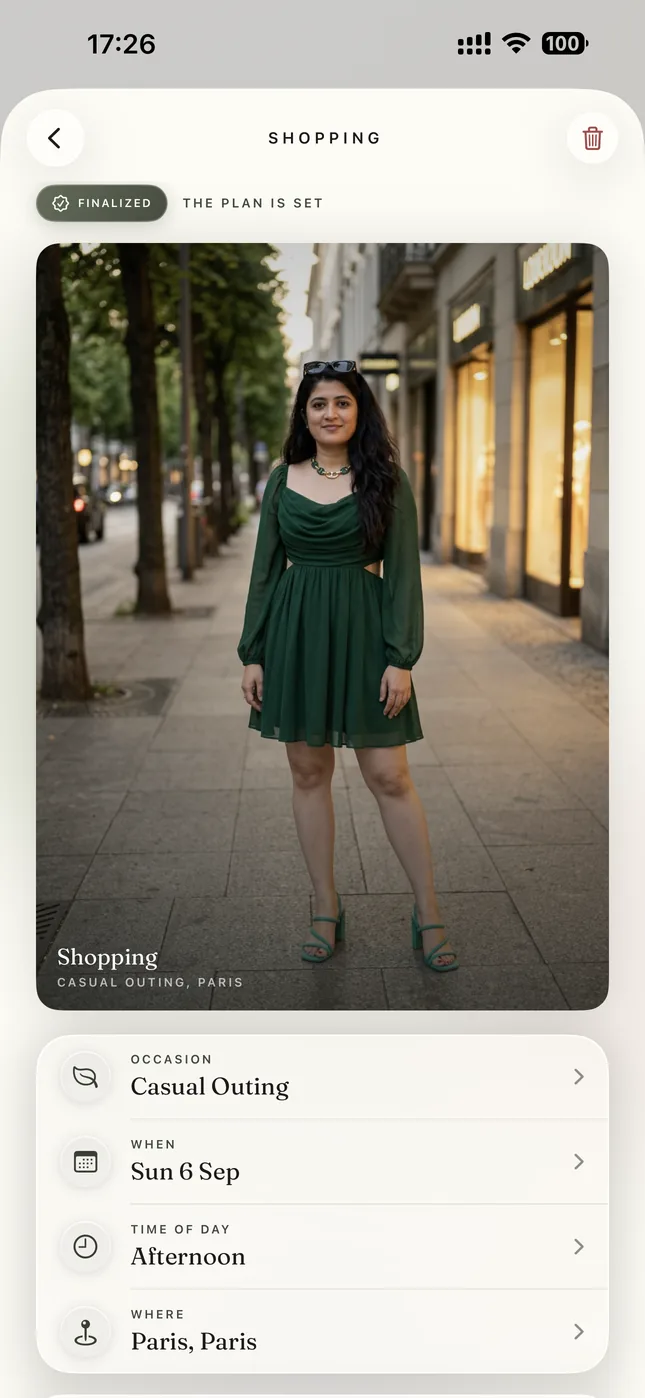
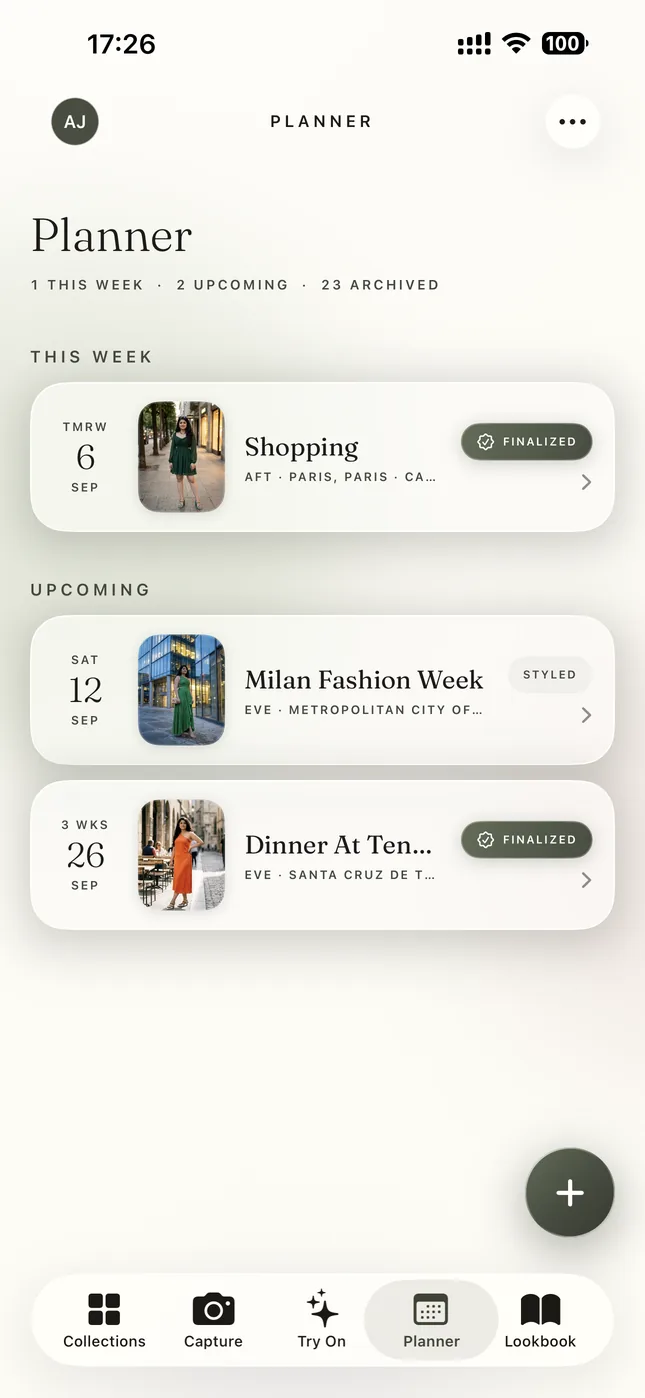
These are real screens from the app. Tap where the ring pulses and follow one closet from a new piece through an afternoon in Paris styled by the stylist and seen on you before it lands in the Lookbook and on your story.
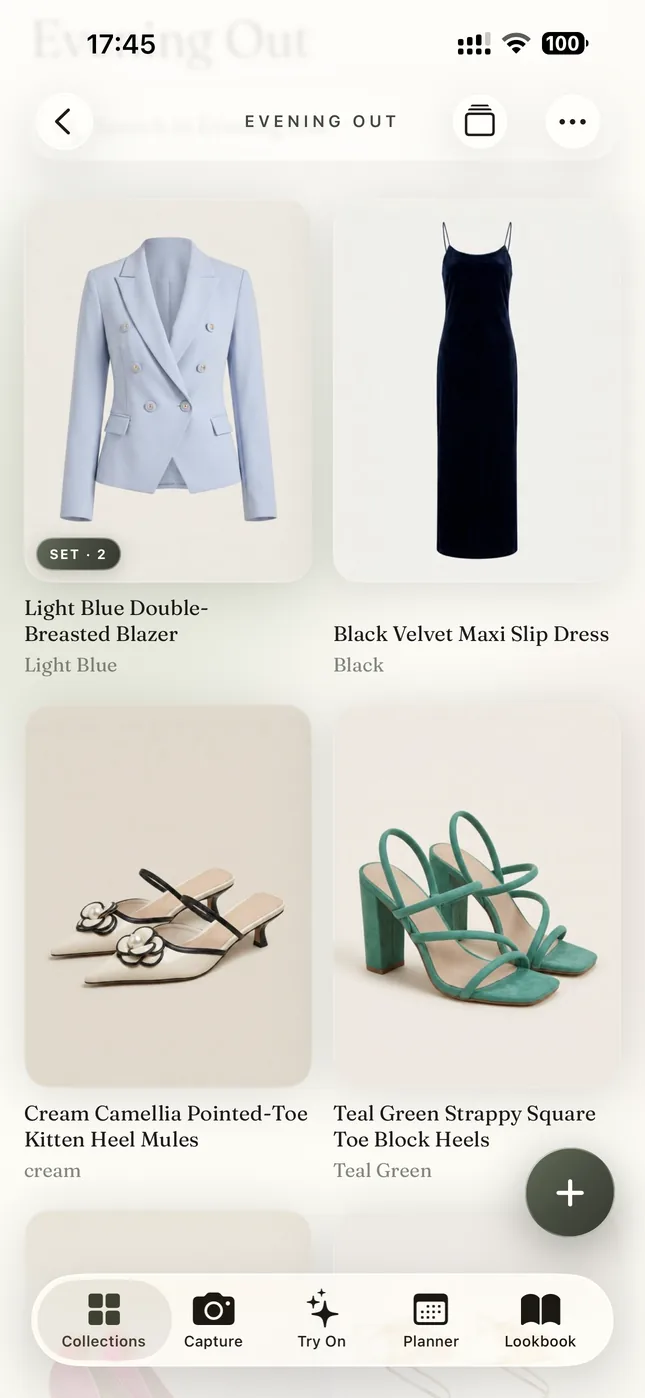
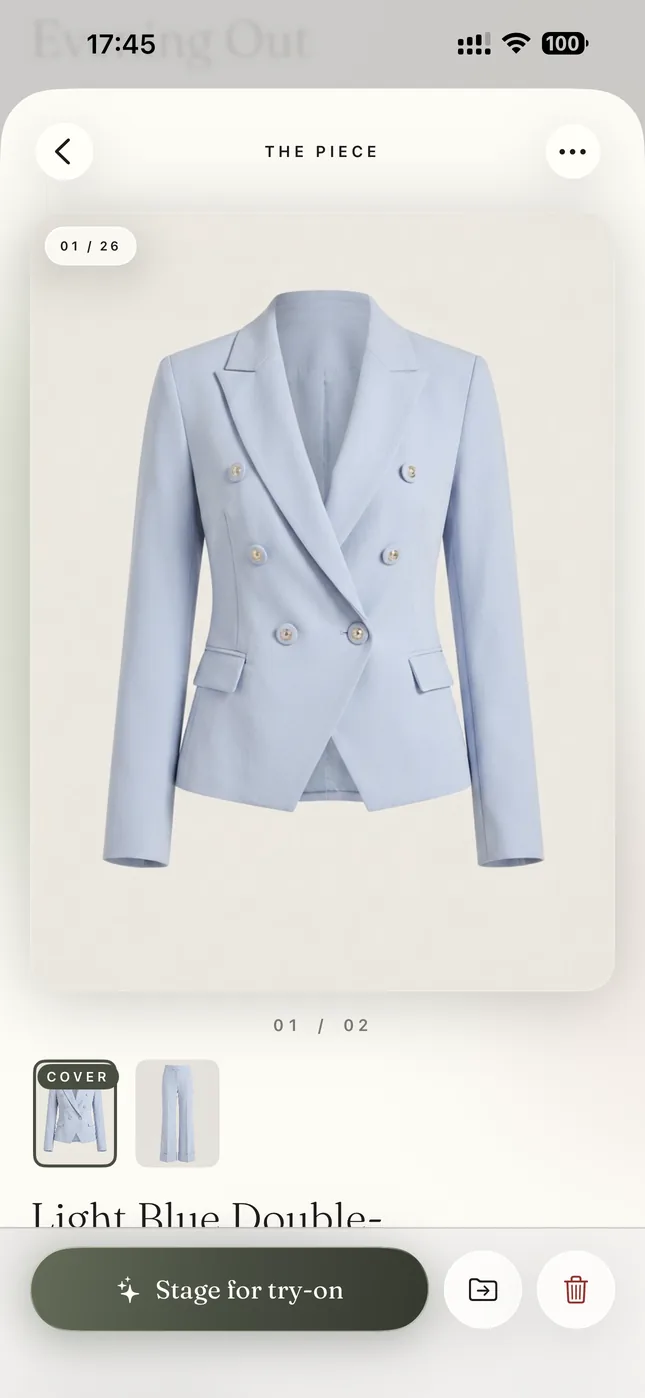
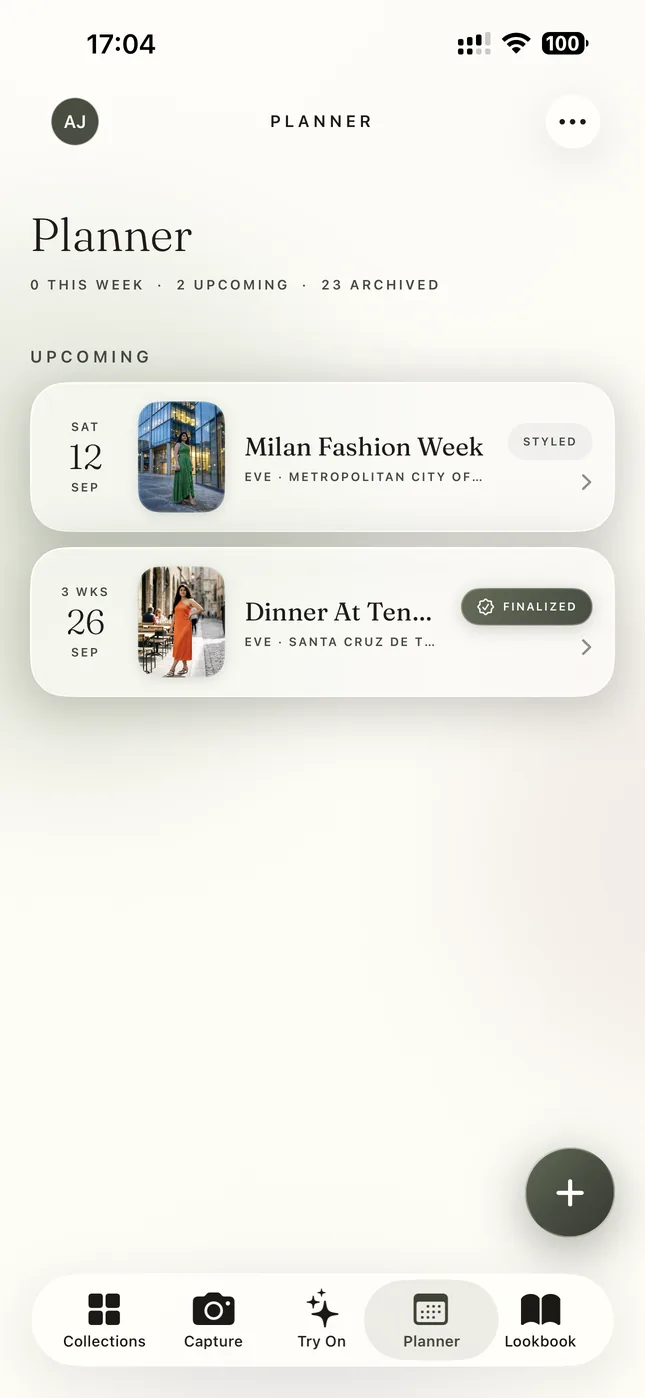
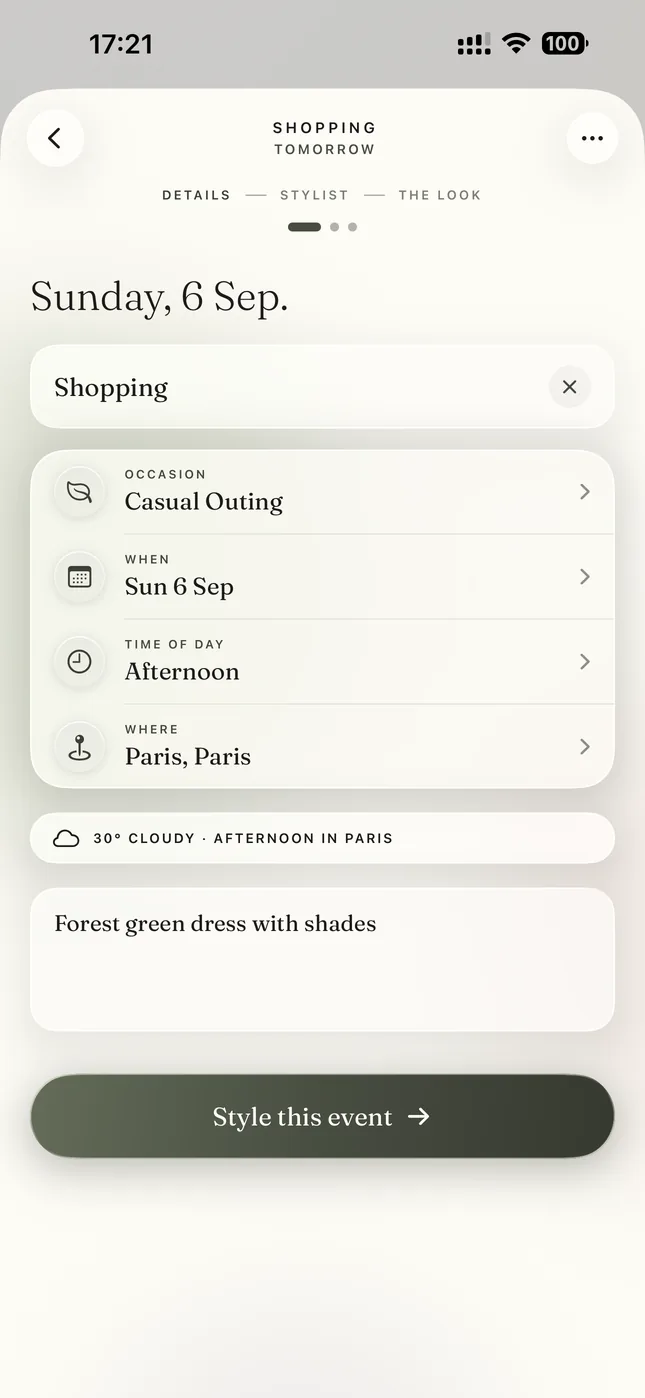

Capture · 1 of 21
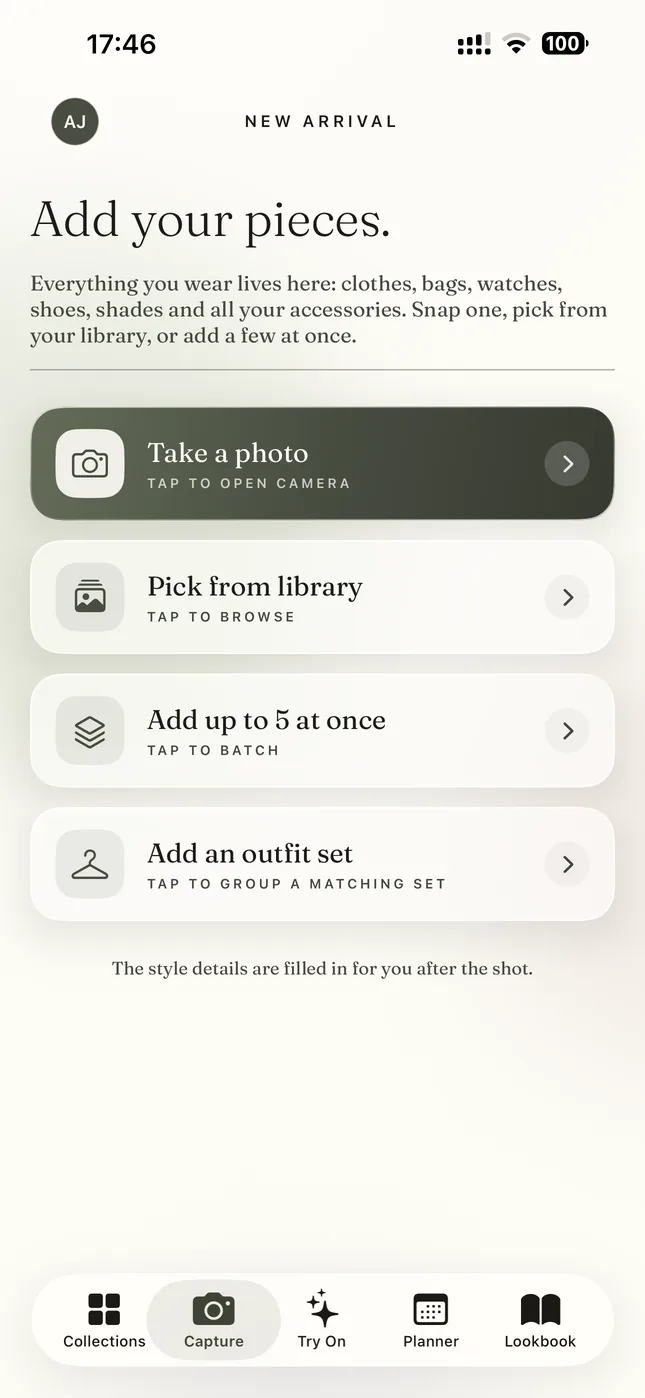
Add a piece from your closet. Or snap what you are wearing.
Photograph one piece. Pick from your library. Add five at once. Or upload a photo of a whole outfit and Sleqk pulls each piece out of it.
Tap Take a photo
Arrow keys move. Space plays and pauses. Swipe on a phone.
What the walkthrough shows
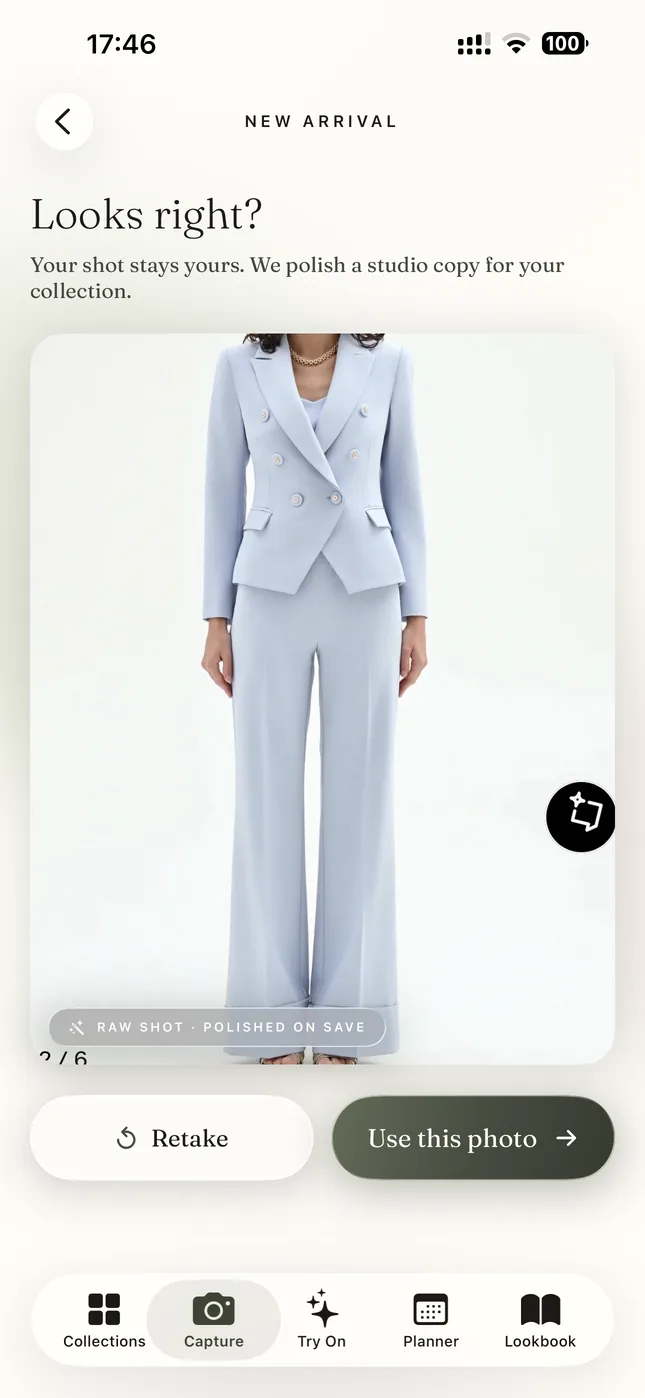
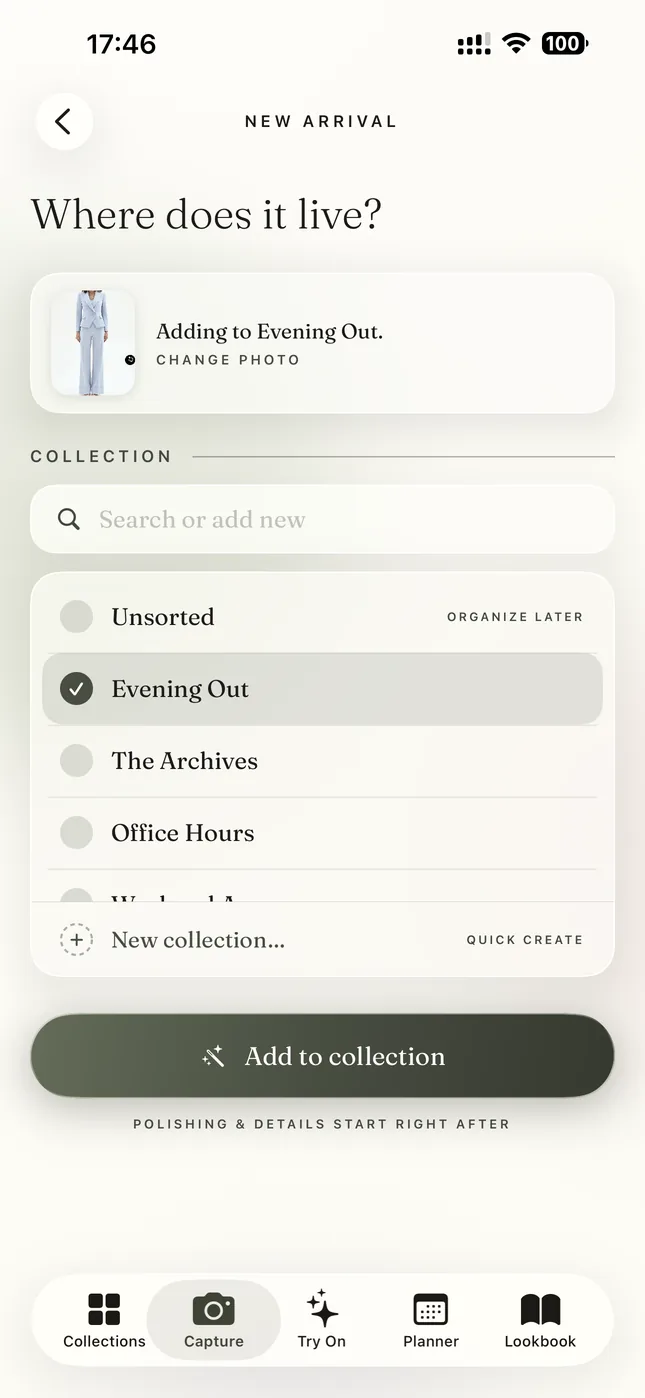
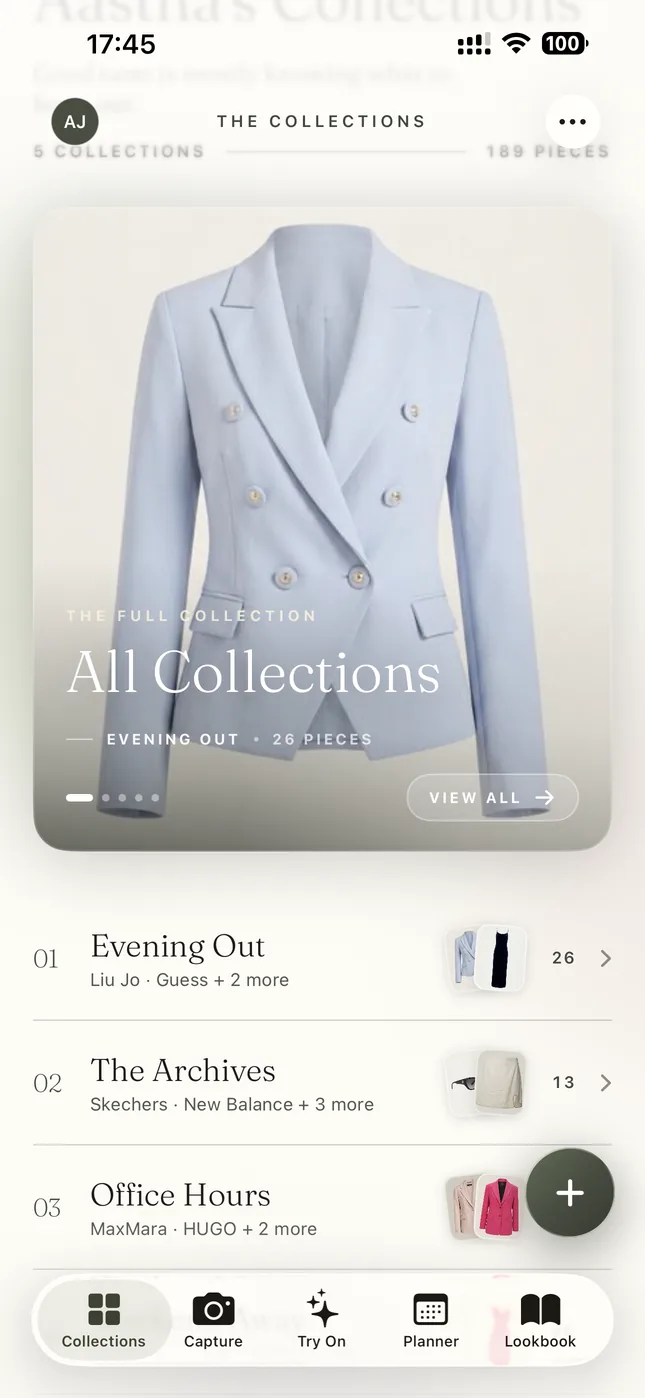
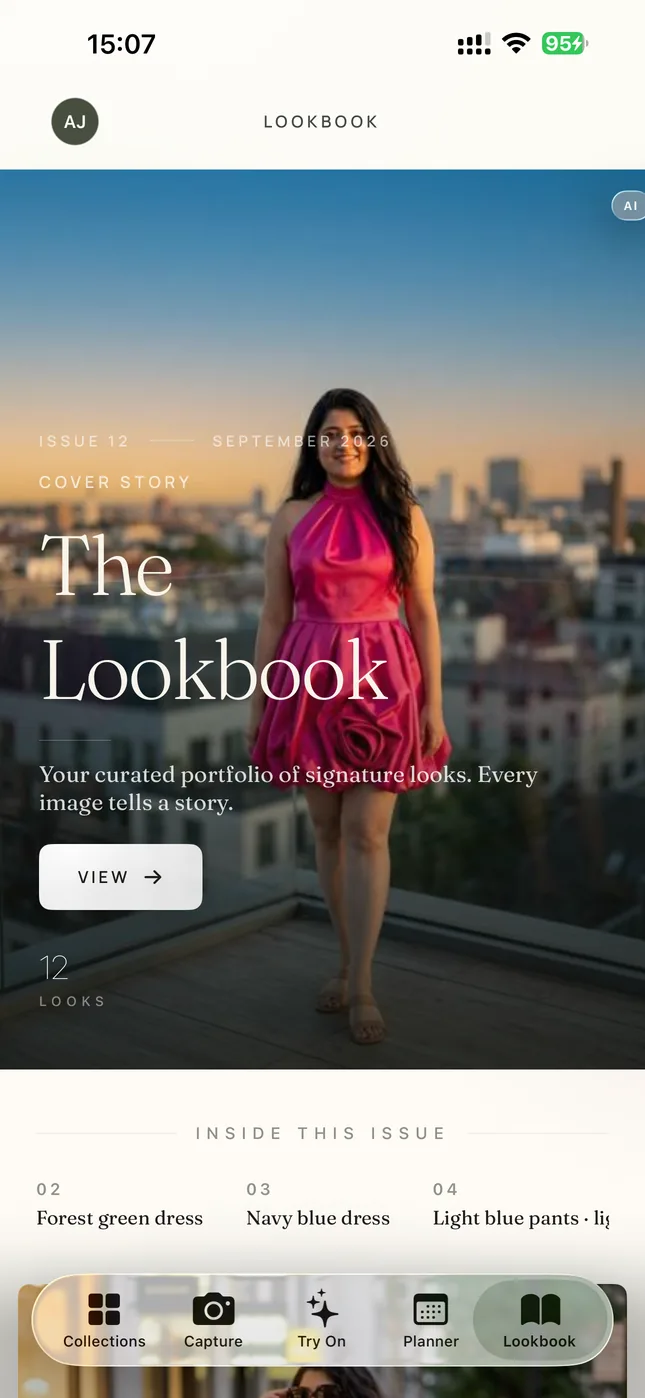
It follows one closet through the whole app. First a new piece goes in. You take a photo and Sleqk cleans it into a product-style image with its colour, fabric and category. That works for everything you wear, from coats and shoes to bags, watches and sunglasses.
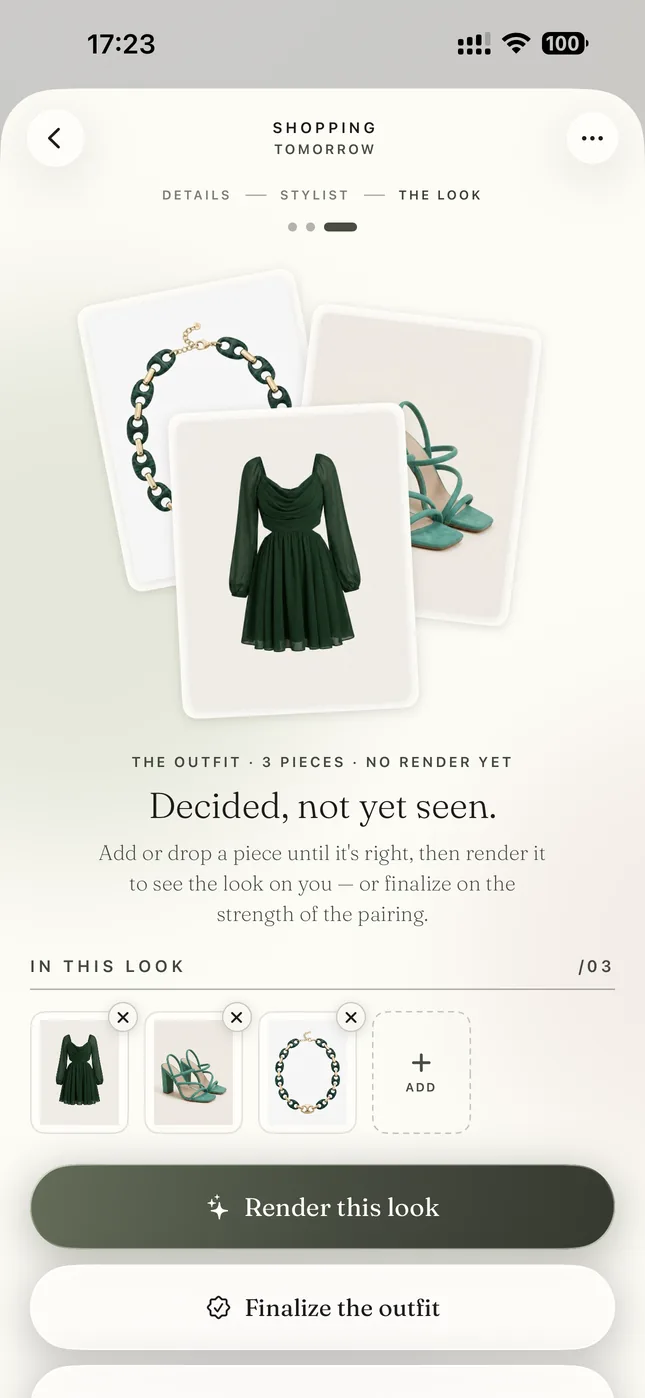
Then comes the plan. An afternoon in Paris goes into the planner with its date and city. The stylist checks the weather for that day and builds complete outfits only from pieces already in the closet. It never suggests anything to buy.
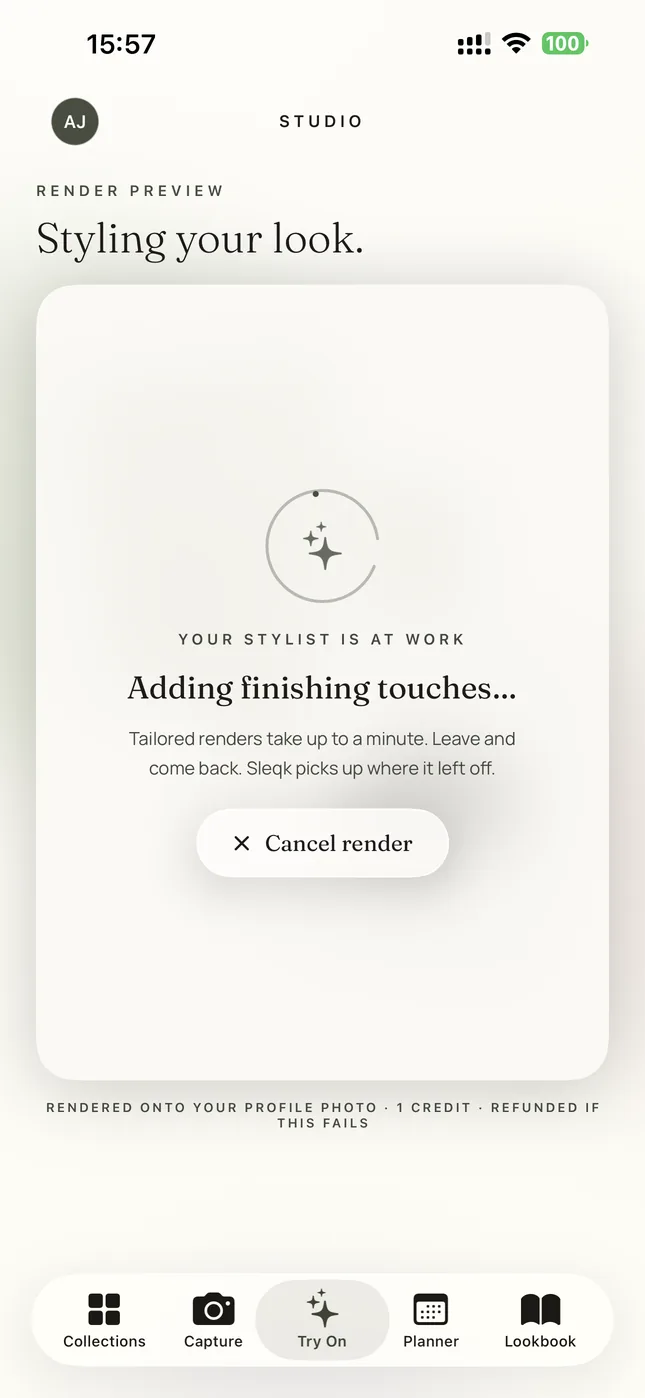
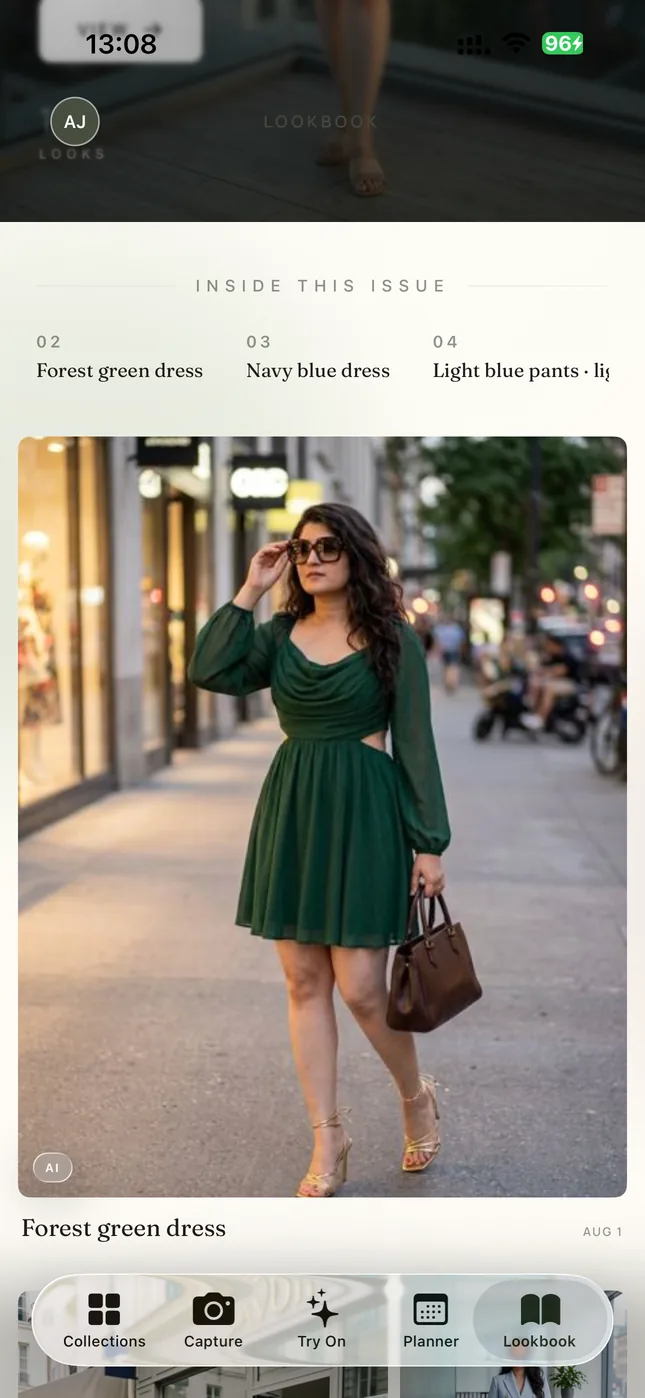
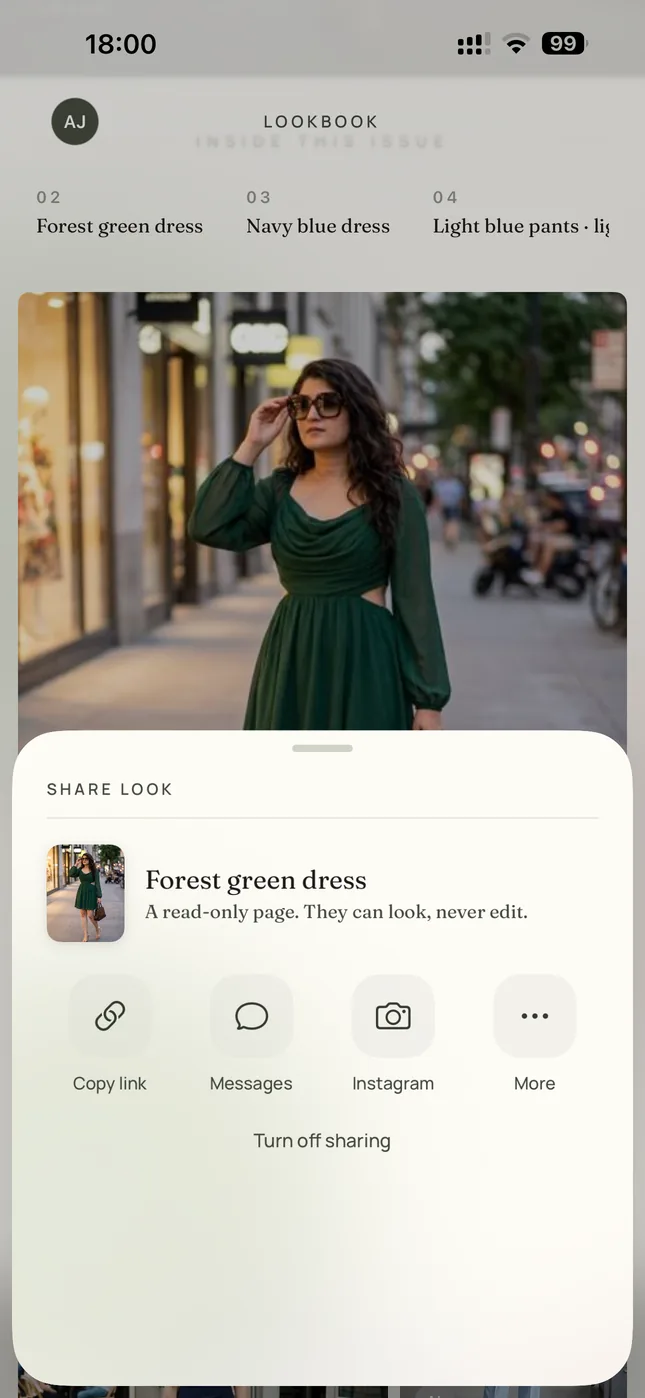
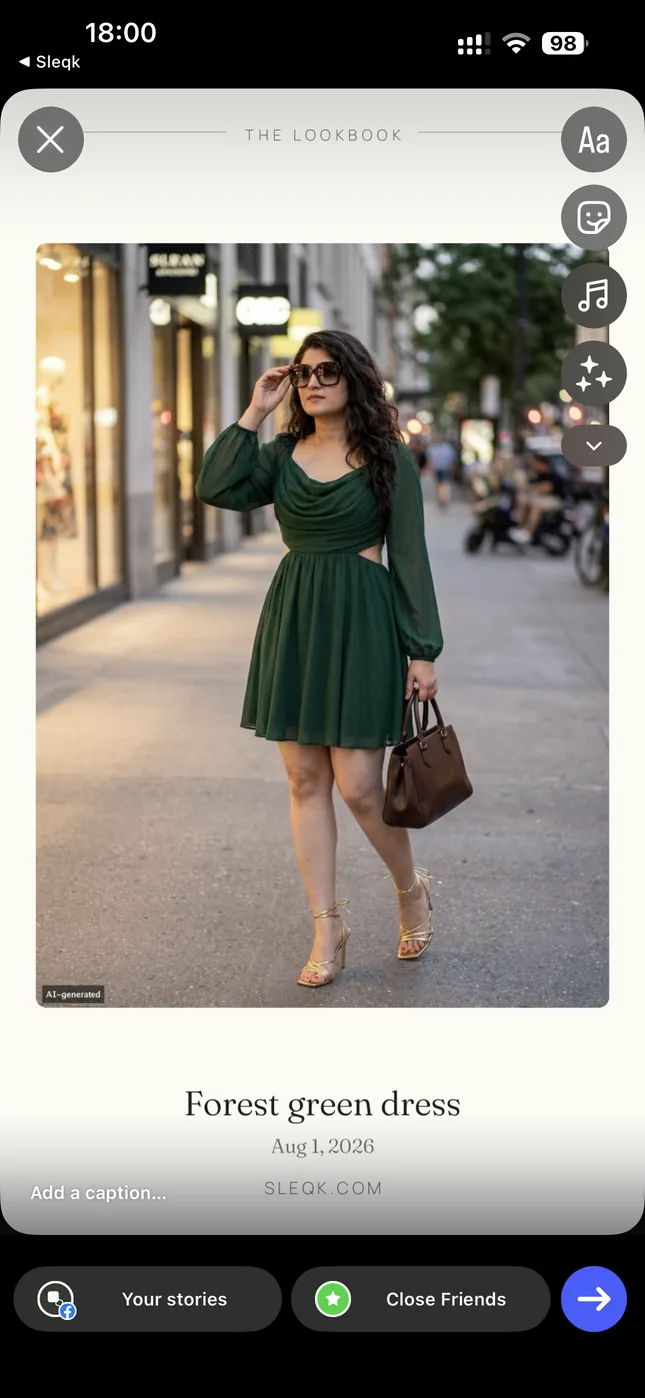
Last comes the try-on. The chosen outfit is rendered on the owner's own photo with Paris behind. From there it goes into the Lookbook and out as an Instagram story. Friends can also vote on the options from a link. Sleqk is free to start on iPhone, Android and the web.
The try-on frames show AI-generated renders and carry the app's own AI label. Sleqk is spelled S-L-E-Q-K and said “sleek”.