
Wardrobe app
The wardrobe app that
shows the outfit on you.
A wardrobe app keeps what you own in one place. Sleqk does that in seconds from a photo, then does the part the others stop short of: it styles outfits for the event and the city from your own pieces, and renders them on your own photo before you get dressed.
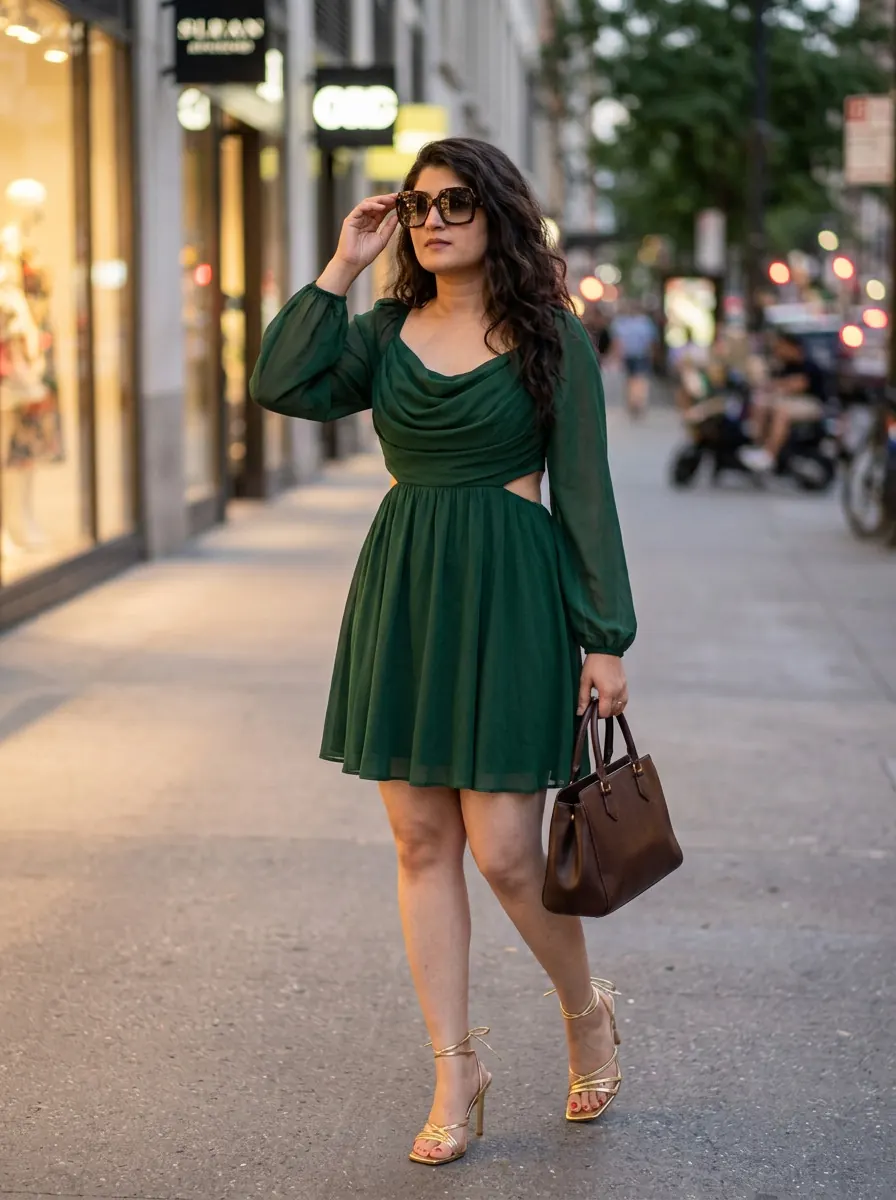 AI-generated · on you
What a wardrobe app should do
Store it. Style it. See it on you.
Store it, from a photo
Snap a piece or upload an outfit photo. Background removed, colour and fabric tagged, filed. No typing.
Style it, for the event
Add the event and the city. The stylist assembles looks from your own pieces that fit the occasion, the place and the weather.
See it on you
Any look rendered on your own photo, photoreal and labelled as AI-generated, before you commit.
Decide together
One private link to the group chat. Friends vote, no account needed, and you make the final call.
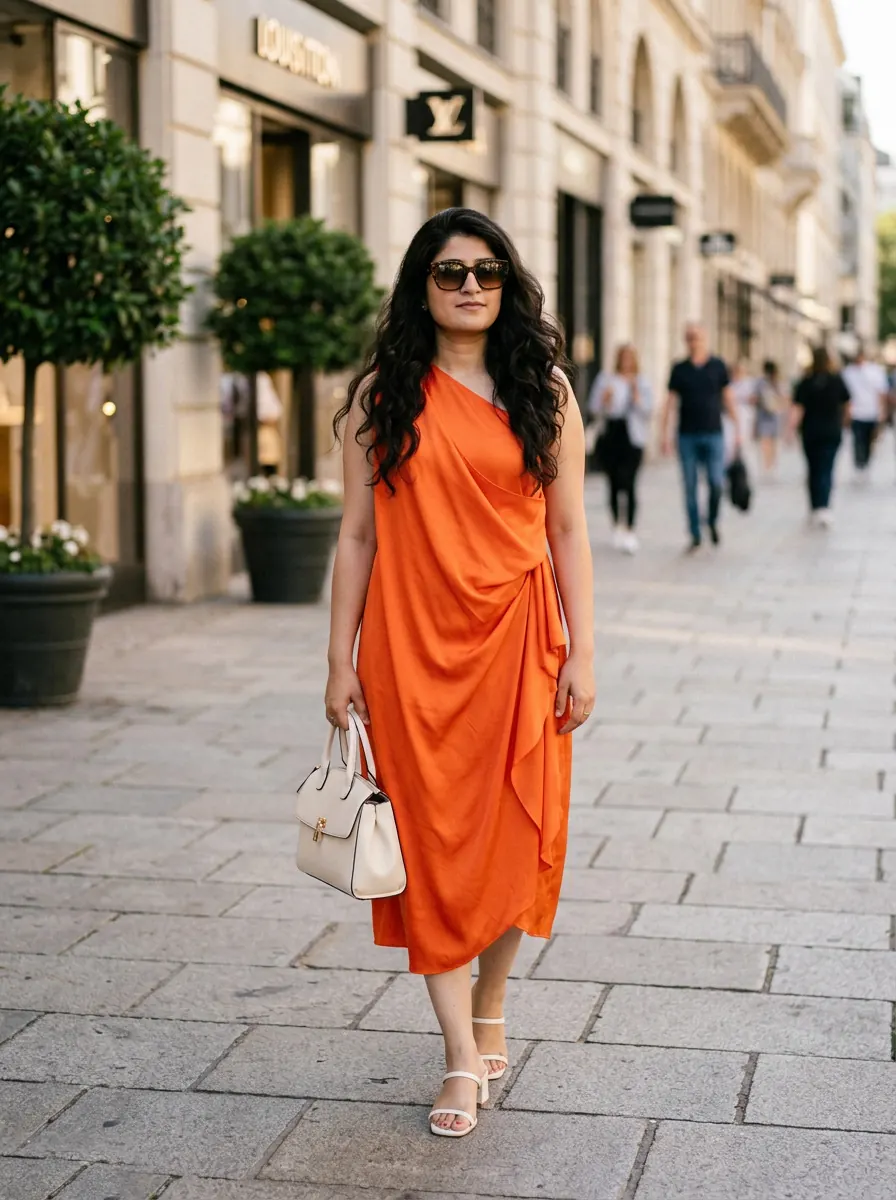 AI-generated · on you
A wardrobe app, and then some
The board is where most apps stop. Sleqk starts there.
Outfit boards are useful right up to the moment you wonder whether the combination actually looks right on you. Sleqk answers that on your own photo, from your own pieces, in seconds.
- Tags written from the photo, not typed by you
- Outfits styled for the event, the city and the weather
- Photoreal try-on on your own photo, every render labelled
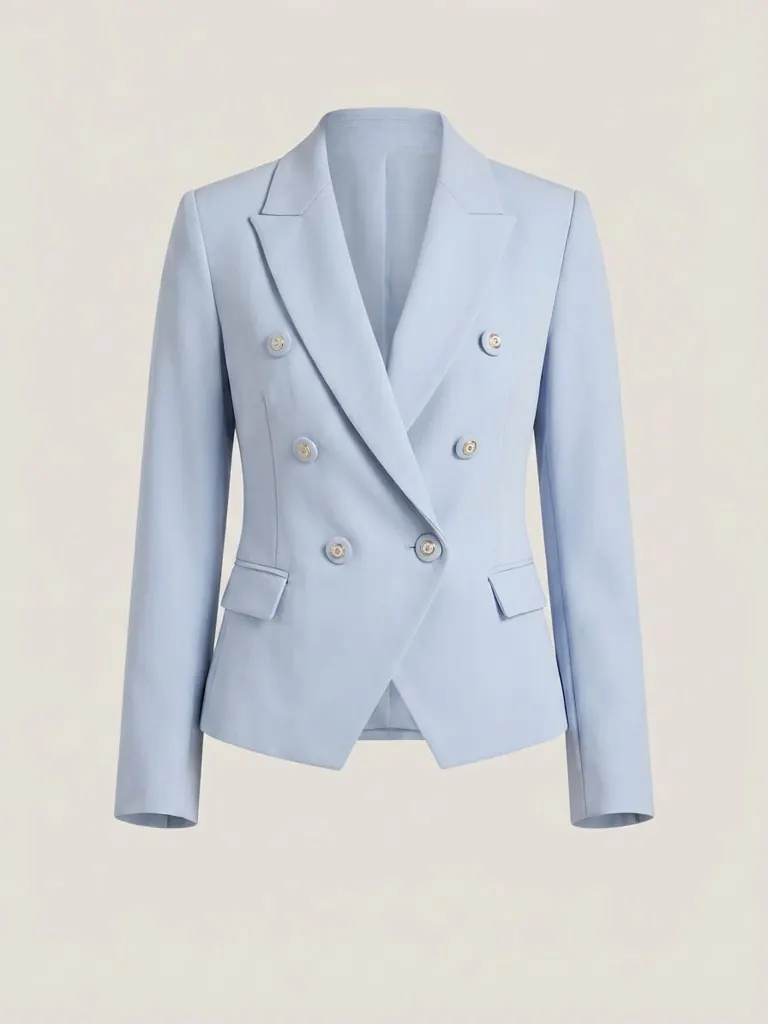 AI-cleaned · tagged
Only what you own
No shop. No nudges. Nothing to buy.
Many wardrobe apps make their money by pointing you to a store. Sleqk has no shop and never suggests a piece that is not already yours. The pieces at the back get their turn instead.
- Styles only from your closet, every time
- Surfaces combinations you had not tried
- Free to start; paid plans from 6.99 euro a month
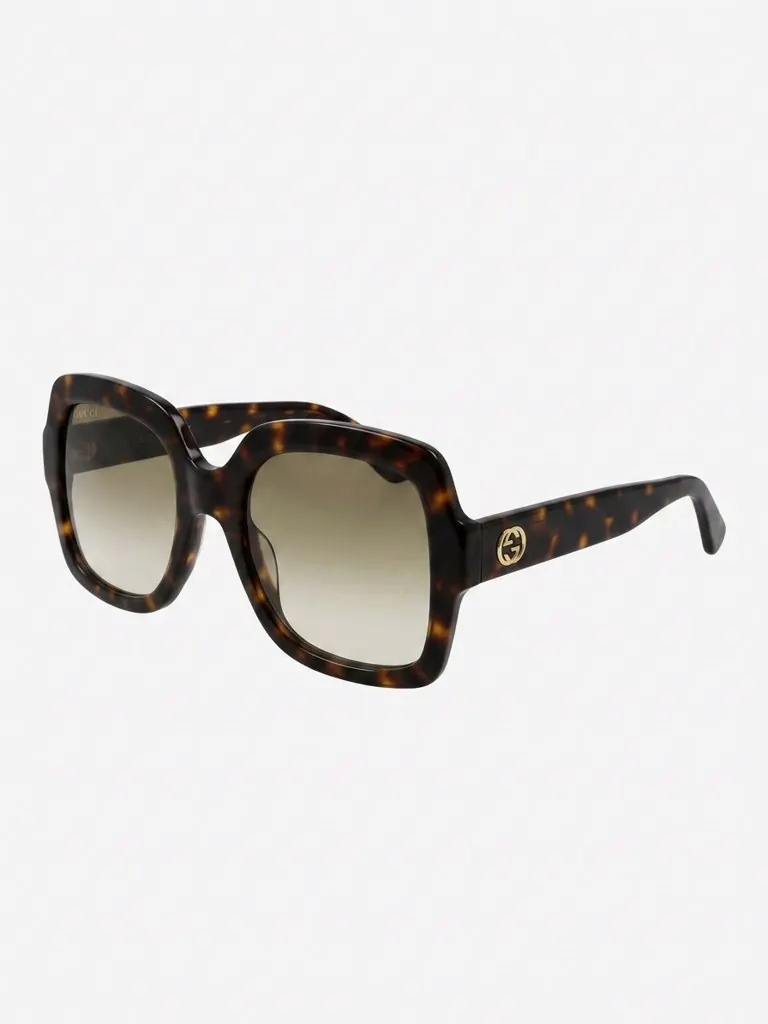 AI-cleaned · tagged
Private by design
Your wardrobe is nobody's business but yours.
Photos and renders are stored encrypted in the EU, never used to train any model, and erased completely with one tap. Built in Brussels, to the EU AI Act's transparency rules from day one.
- GDPR-native: access, export and erase whenever you want
- Every AI image labelled, on screen and in the file
- One-tap delete for the entire account
Questions, answered
What people ask before they start.
What does a wardrobe app do?
It keeps a digital copy of what you own so you can see all of it at once, build outfits from it, and plan what to wear. Sleqk does all of that, and then styles you for the event and shows the outfit on your own photo before you get dressed.
What makes Sleqk different from a typical wardrobe app?
Three things. The tags write themselves from the photo, so there is no typing. The stylist assembles outfits for the event, the city and the weather from your own pieces. And any outfit can be rendered on your own photo, photoreal, so you see it on yourself rather than on a flat board.
Does it work on iPhone, Android and the web?
Yes. Native apps on the App Store and Google Play, and the same closet on the web at sleqk.com. One link for either store: sleqk.com/app.
Do I have to photograph every piece separately?
No. You can photograph pieces one by one, or upload a photo of a whole outfit and Sleqk pulls each piece out of it on its own.
Will it try to sell me things?
Never. Sleqk only styles from what you already own and has no shop attached. If the outfit is not in your closet, Sleqk does not suggest it.
Can my friends help me decide?
Yes. Send two looks to the group chat as one private link. Friends vote with no app and no account, and you see the tally live.
Is it free?
Free to start: the Free plan includes 10 AI credits and 10 style picks a month. Paid plans start at 6.99 euro a month, and Premium comes with a 14-day free trial.
How do I spell it?
Sleqk, said sleek. If you heard about the sleek wardrobe app, this is the one. It is built in Brussels, your photos are stored encrypted in the EU and are never used to train any model.
More of Sleqk
Your wardrobe, styled, on you.
Photograph a few pieces and see the first outfit on yourself today. Free to start.